

In many organisations, internal training is something everyone agrees is important yet hard to do consistently. The cause is rarely a lack of content or trainers. The friction sits in the organising: where the materials are, when people can study, how tests are run and who compiles the results.
For organisations with many units spread across many locations, that friction multiplies with every unit. This article shares how NINE PLUS SOLUTIONS,. JSC approached the problem while building an online learning and testing platform that is running in real use.
Three familiar bottlenecks in internal training
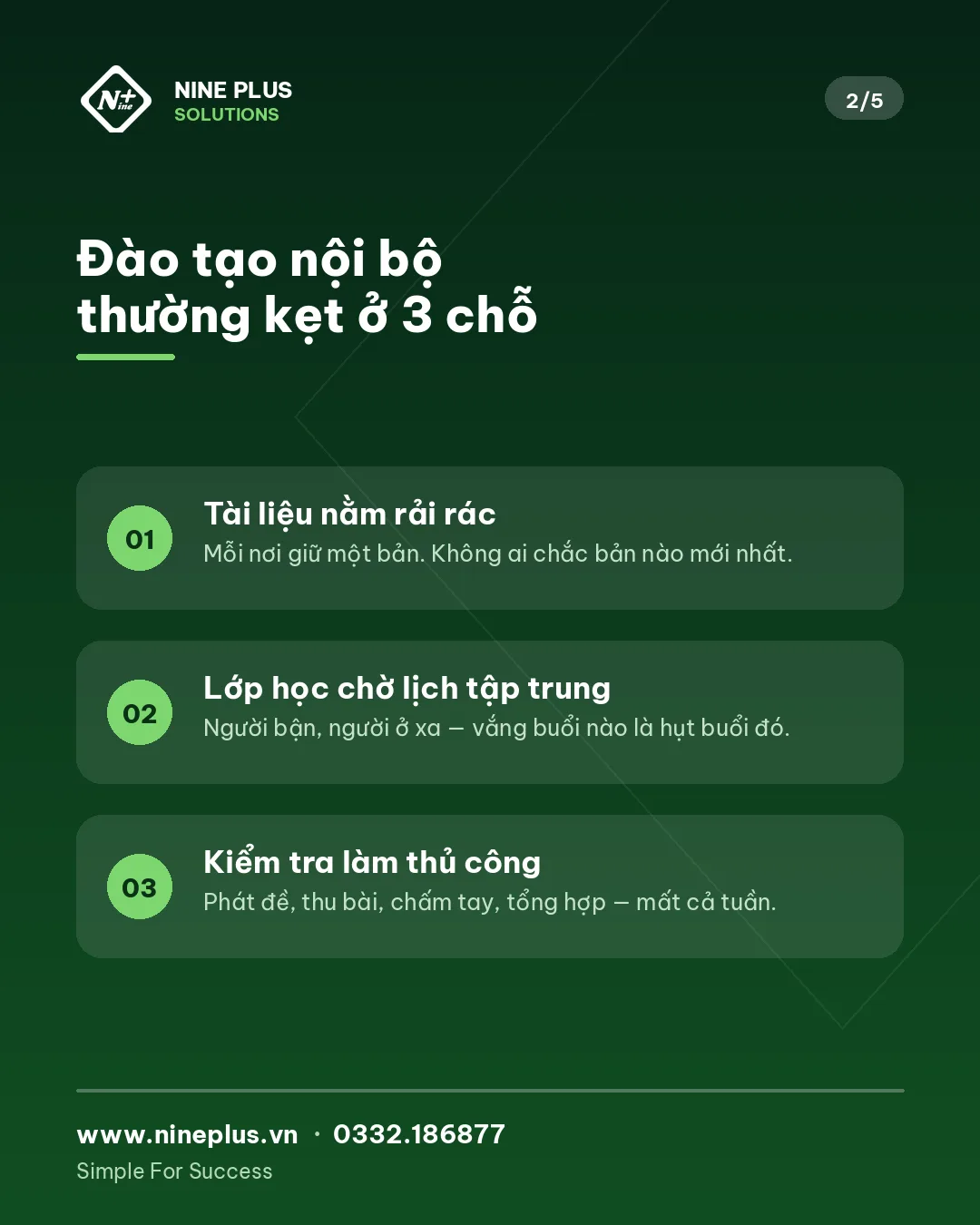
1. Materials scattered everywhere
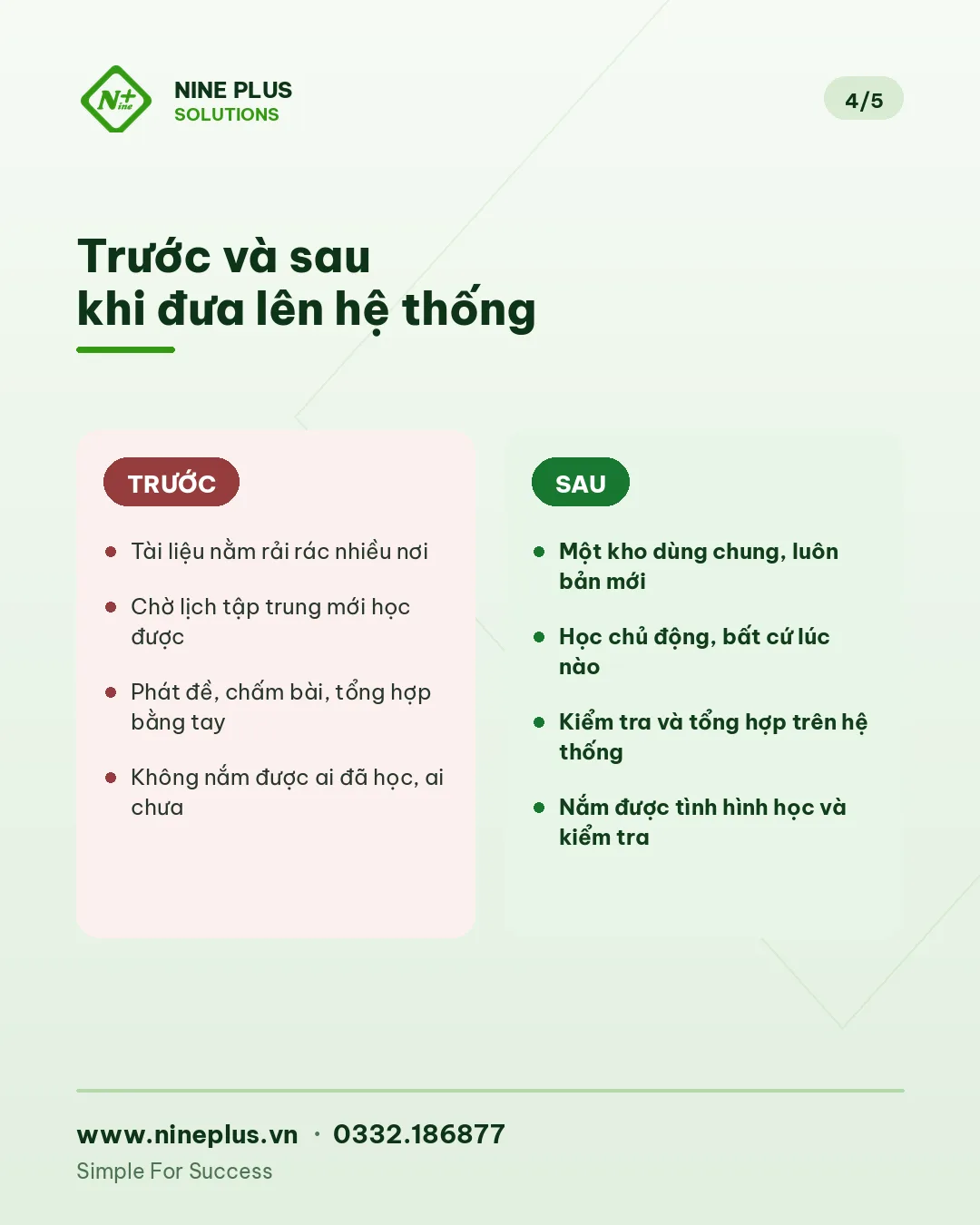
Guidelines sit in email, lectures sit on the trainer's laptop, videos sit in a chat group. A newcomer has to ask several people to collect everything. When a document is updated, nobody is sure every unit is using the latest version.
2. Classes wait for a shared schedule
To learn, people must gather in one place at one time. Across many locations, scheduling alone takes effort, not to mention travel costs and time away from work. Training sessions become less frequent and knowledge is not refreshed regularly.
3. Testing and result compilation done by hand
Papers are printed, handed out, collected, marked and typed into a spreadsheet. Each unit sends results in its own format. When a consolidated report is needed, the person in charge spends days just gathering and reconciling numbers.
These three bottlenecks share one root: training data and training processes are not on the same system.
The approach: one platform, four jobs
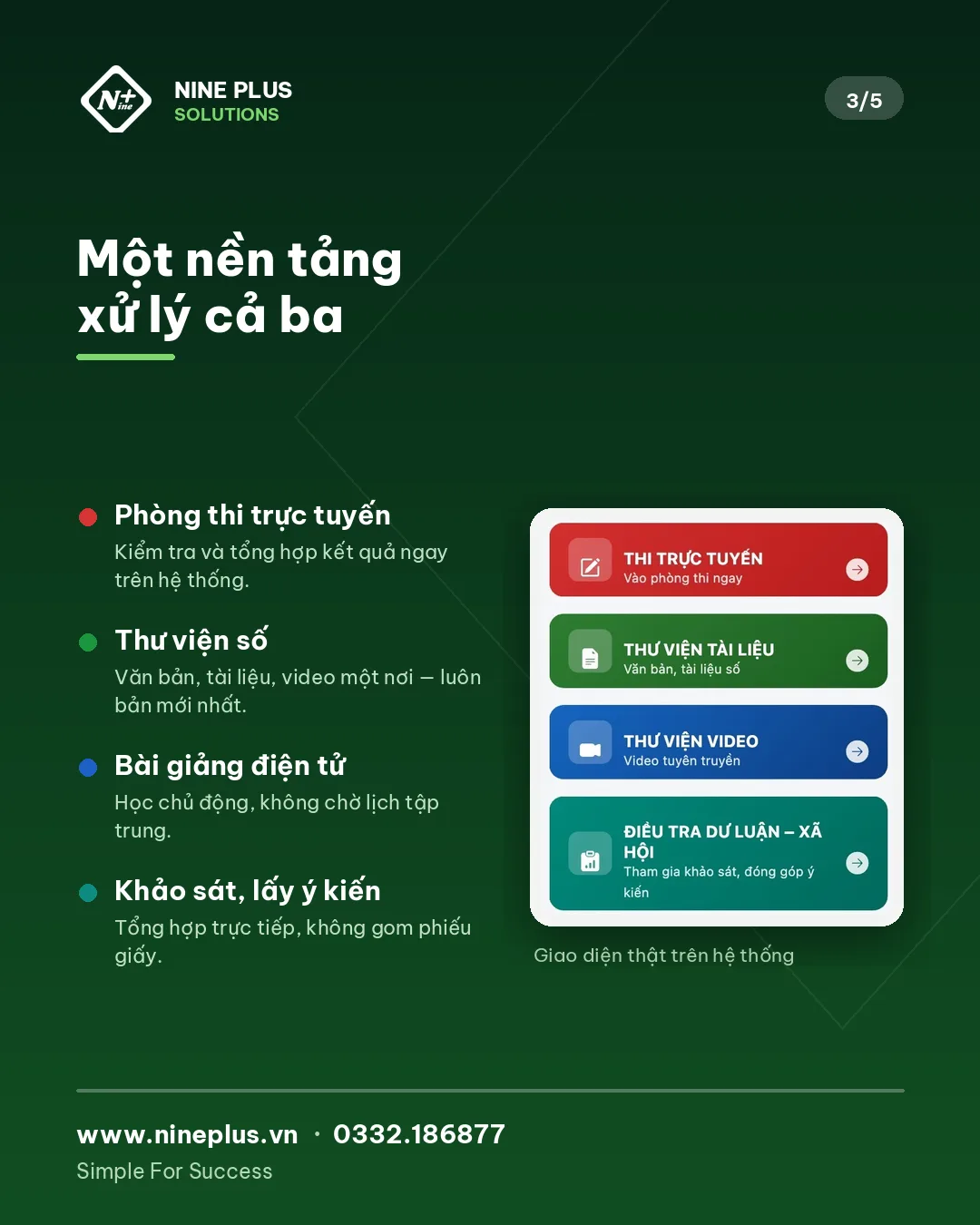
Instead of separate tools, we designed one platform that brings the whole training and testing cycle into one place.
Content store and digital library
All documents, materials and videos go into a central, clearly categorised and searchable store. When a document changes, it is updated once and every user sees the new version. Newcomers no longer have to ask "where is that document".
E-learning lessons
Lessons are digitised so learners study on their own schedule and revisit when needed. Training no longer depends entirely on shared sessions. In-person sessions, if any, are used for discussion and practice rather than reading materials aloud.
Online exam room
The person in charge creates a test, opens an exam room, and learners take it on the system. Results are stored and compiled in one place instead of collecting paper and typing in scores.
Surveys and feedback
Beyond testing knowledge, organisations often need learner feedback on content and programmes, or input on internal policies. The platform lets you create surveys, run them and compile the results directly.
Permissions: the deciding factor with many units
A platform shared by many units only works well with clear permissions. Central administrators need the full picture. Unit coordinators only need to manage their own learners and results. Learners only see the content and tests assigned to them.
That is why we designed user permissions by role and by managing unit from the start rather than adding them later. It is the most effortful part of the design, and also what lets the system grow as the number of units increases.
What we learned during rollout
Start from the process, not the features. Before building screens, we clarified how materials are produced today, who approves them, how often tests are held and who receives reports. Features are simply how that process is expressed in the system.
Keep the learner interface simple. Not every end user is comfortable with software. Each screen should have one main job: read a document, watch a lesson, take a test or answer a survey.
Centralised data is the biggest value. When materials, learners and results live in one system, managers can quickly answer questions that used to take days: how many people took the last test, which unit has not finished.
Stable operation matters more than a fast launch. A training platform is used again and again. After handover, monitoring, support and adjustment based on real feedback are essential. The system is currently running stably.
Frequently asked questions
Can learners use the platform on a phone?
Yes. The interface is designed for access from both computers and phones, which suits learners spread across different locations.
Can we start small and expand later?
We recommend it. The safe path is to pick one training programme or one test round as a pilot, measure the result, then expand. See A 90-day digital transformation path.
How do we control who sees what?
Through permissions by role and by managing unit. Designing permissions for business software explains the approach in detail.
Further reading
- Starting digital transformation: a 90-day path
- Designing permissions for business software
- Six reasons internal software projects fail
Who is this platform for?
This approach fits organisations and companies that:
- Have many branches, offices or units in different locations.
- Run regular training on processes, rules, products or safety.
- Must run tests and report training results upward.
- Want to cut travel costs and time spent gathering for training.
A manufacturer training on workplace safety, a retail chain onboarding staff at each store, or an education organisation needing online learning and exams can all apply the same model.
Where to start?
If your organisation is considering digitising internal training, the first step is not choosing software. Start with three questions:
- Where do training materials live today, and who updates them?
- How long does a test round take from writing the test to having a consolidated report?
- Who needs to see the results, and at what level?
Once you can answer these, you have enough input for a concrete conversation about a solution.
NINE PLUS SOLUTIONS,. JSC designs and operates online learning and testing platforms, the NineERP business management system and multilingual websites for businesses.
📩 Message the NINE PLUS SOLUTIONS,. JSC fanpage or call ☎ 0332.186877 · 🌐 www.nineplus.vn for advice based on your organisation's real needs.


